When the witch hats are coming thick and fast on Essex Street, even taking out your phone is too slow. So WitchCatcher is now on Apple Watch: one big witch hat to tap, and today's count right under it.
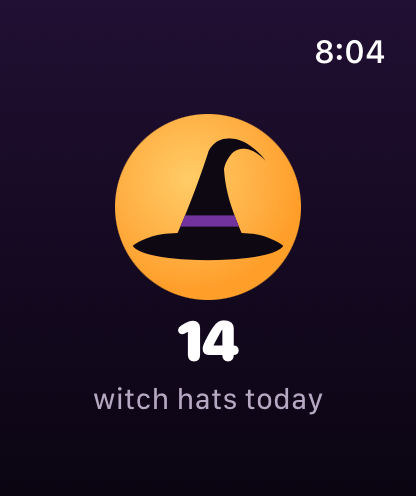
Tap the hat to count one more.
Getting it
The watch app comes with the WitchCatcher iPhone app. Update to the latest version, and it installs on your Apple Watch automatically if your watch is set to install apps that way. If it doesn't appear, open the Watch app on your iPhone and install WitchCatcher from Available Apps.
How it counts
Tap the hat and that's one more on today's tally. Your watch passes each tap to your iPhone, which saves it to your account and the leaderboards, so make sure you're signed in on your iPhone. If you aren't, the watch tells you your hats aren't being saved.
You don't need your phone in your hand, or even nearby. Leave it in your bag: if it's out of range, your taps wait on the watch and go over as soon as it's back.
Counting without opening the app
Add WitchCatcher to your watch's Smart Stack and you can count straight from the watch face: tap the button on the widget and the hat is counted, no app needed. On Apple Watch Series 9 and later, the double tap gesture presses it for you, so you don't even have to touch the screen.
There's also a small complication for your watch face that shows today's count at a glance. Tap it to open the app.
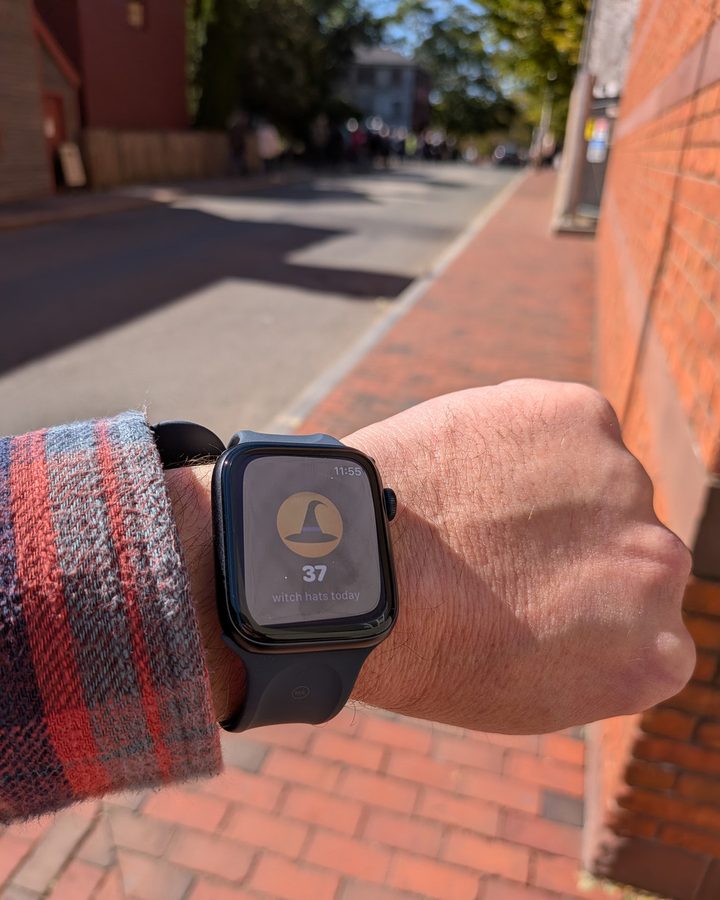
Out spotting in Salem.
Android
A WitchCatcher app for Wear OS watches is coming soon to Google Play.