Out on Essex Street in October, witch hats come thick and fast. Opening the app for every one of them slows you down, so on iPhone WitchCatcher puts a card on your Lock Screen while you're out spotting.
What it shows
The card has a witch hat, today's count, and a + button. Tap + and that's one more hat on your tally. The same count shows in the Dynamic Island at the top of the screen on iPhones that have one.
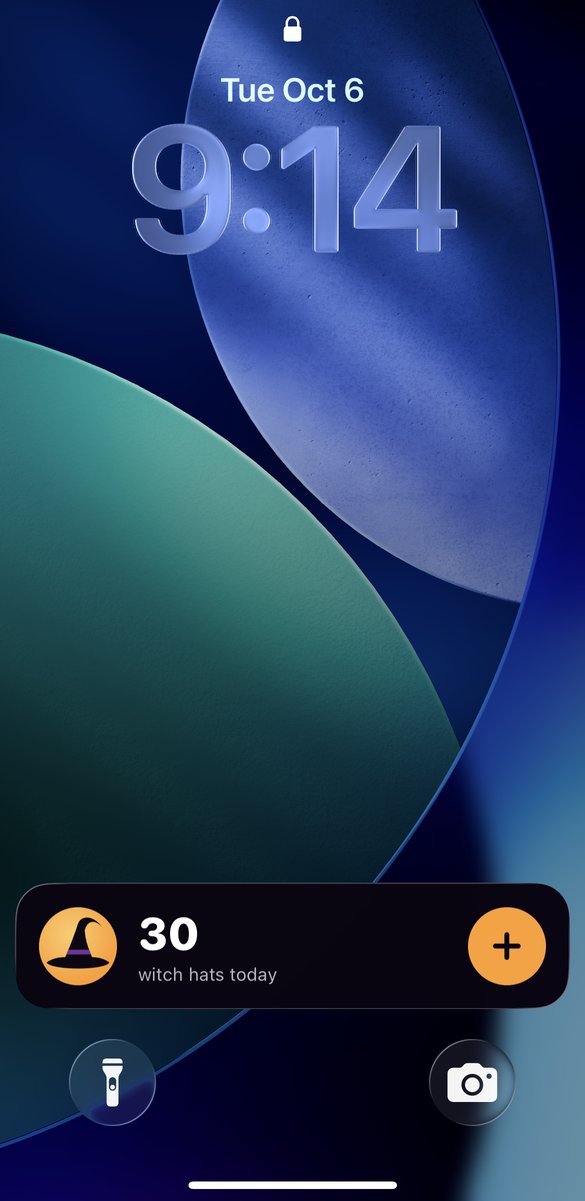
The card on a locked iPhone: today's count and the + button.
Turning it on
It's on by default, so there's nothing to set up. The card appears the first time you count a hat, or when you leave the app after opening it. iOS clears it after a few hours, and it comes back the next time you open WitchCatcher.
To switch it off, or back on, open the menu in WitchCatcher, go to Settings, and use Count from the Lock Screen.
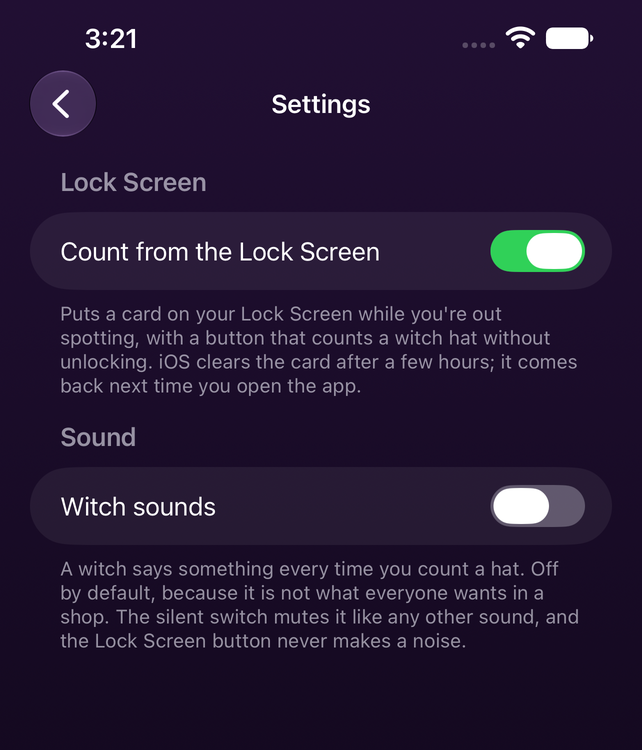
Settings › Count from the Lock Screen
If the card doesn't appear
Lock Screen cards are what iOS calls Live Activities, and they can be turned off for an app. Check Settings › WitchCatcher › Live Activities in your iPhone's Settings app.
If you're not signed in, the card still counts, and says Not saved: your hats are kept on that iPhone only. Sign in to put them on the leaderboards.
Android
Lock Screen counting is only on iPhone for now. It isn't available in the Android app.